Install x20 64-channel NVR
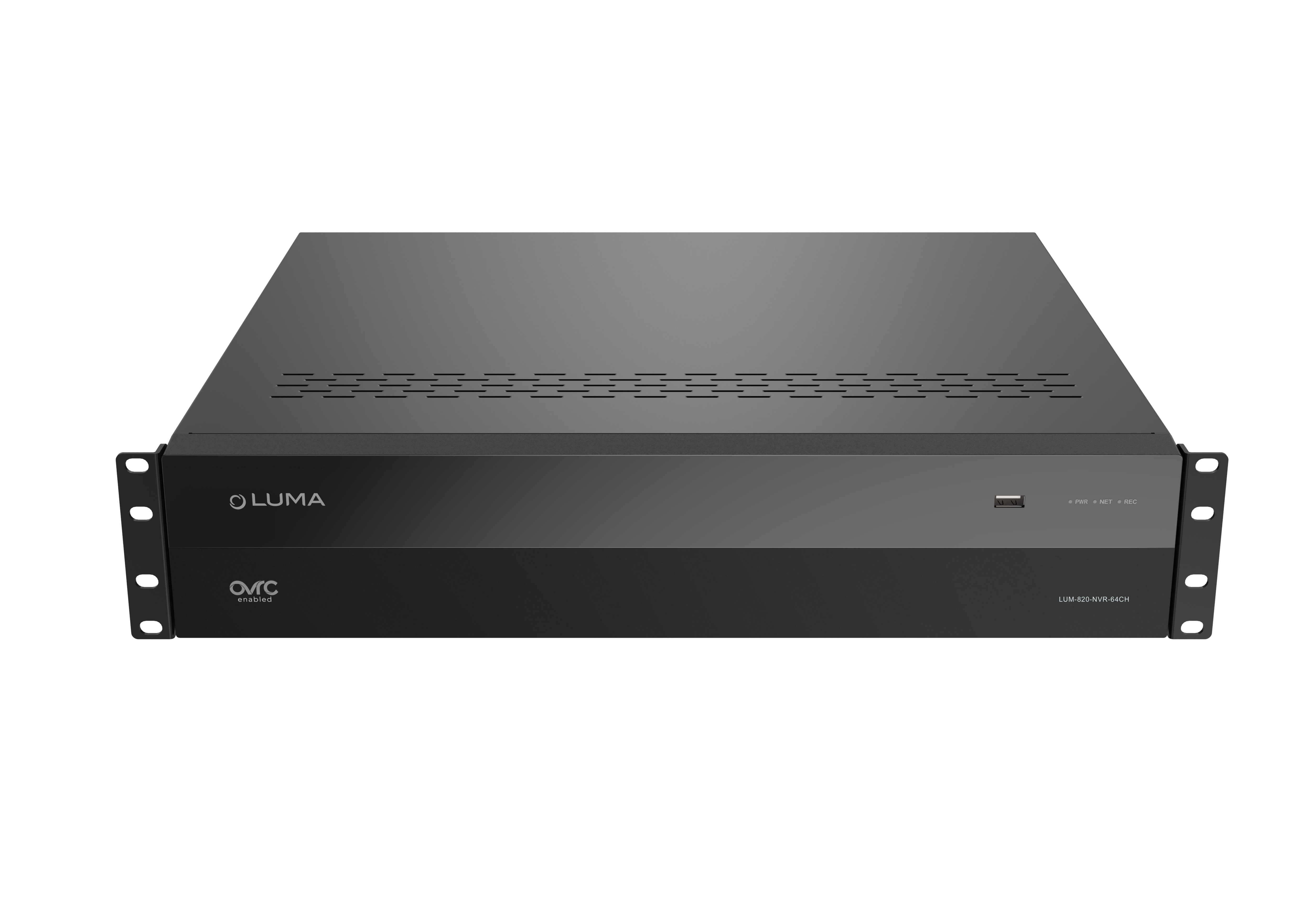
LUM-820-NVR-64CH contents

  • NVR

  • 1 × IEC cable

  • 7 × SATA cables

  • 1 × mouse

  • 2 × rack ears

  • screws

  • 4 × feet

Install Hard Drives (if needed)

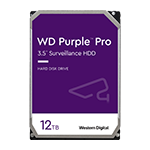
Follow the Hard Drive Installation Guide before installing the recorder or powering it up for the first time. This NVR supports 8 SATA hard drives.

Swipe to continue

Connect to the network

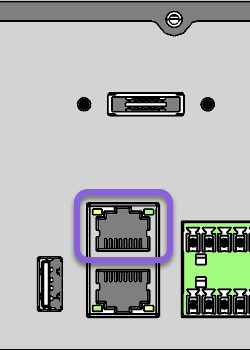
Connect the network Ethernet cable to the LAN port.

Swipe to continue

Connect the mouse

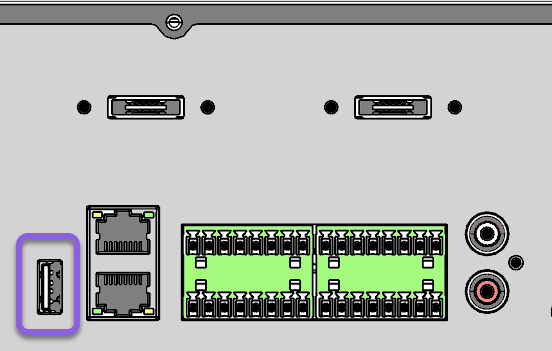
If using a mouse, connect it to the NVR's rear USB port.

Reserve the NVR's USB 3.0 (blue interior) port for other purposes such as exporting video and updating firmware.

Connect the local monitors

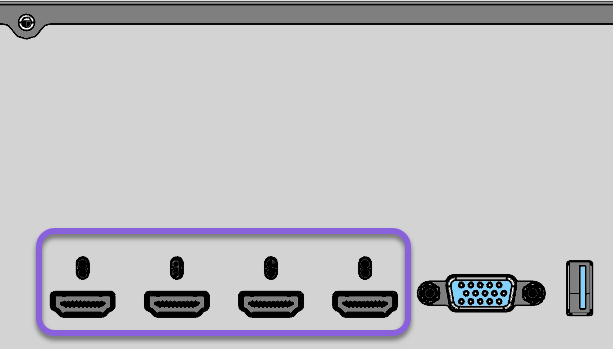
If using local monitors, connect up to four from the NVR's HDMI ports.

The VGA port mimics the feed to the first HDMI port.

Optional: Connect the mic and speakers

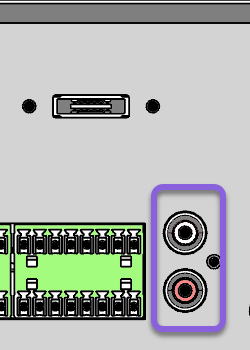
Connect the microphone to the Audio In port and the speakers to the Audio Out port.

Connect the alarms

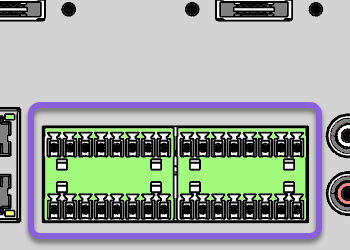
Connect alarms using the Phoenix connectors.

Connect external Hard drives (optional)

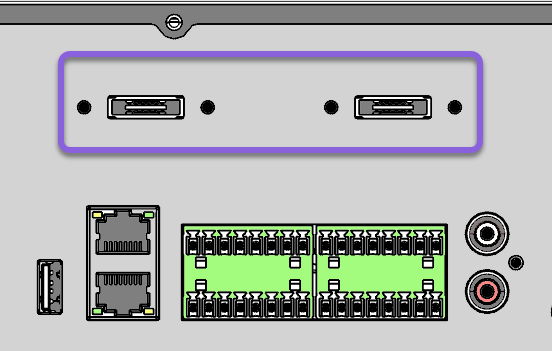
Connect up to two external hard drives using SATA cables.

Connect and apply power

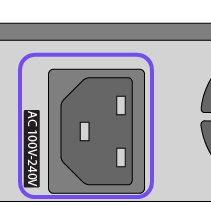
Plug the power cable into the NVR's AC 100V-240V port. The NVR beeps when powered up, and beeps three times when it finishes booting.

Connect the cameras

Note: All cameras must be powered and connected to the network by a PoE switch or other methods. The LUM-820-NVR-64CH does not contain PoE ports.

Then, get started with OvrC.